Wearables
Connect your to Apple Health, then connect Apple Health to CoachPal to sync your data automatically.
WHOOP
- Open the WHOOP app and tap More.
- Scroll down and select App Settings.
- Tap Integrations.
- Select Apple Health at the top of the page.
- Tap Connect and follow the prompts.
- Choose Turn on all or select specific categories to sync.
- Tap Allow to confirm.
Garmin
- Open the Apple Health app.
- Tap Summary in the bottom left.
- Tap your Profile Picture in the top right.
- Select Apps and Services under Privacy.
- Select Garmin Connect.
- Toggle your desired categories on.
If you initially declined sharing, open the Garmin Connect app first and grant Apple Health permission from within the app, then repeat the steps above.
Reference GuideApple Watch
Apple Watch syncs to Apple Health automatically when paired with your iPhone.
- Open the CoachPal app.
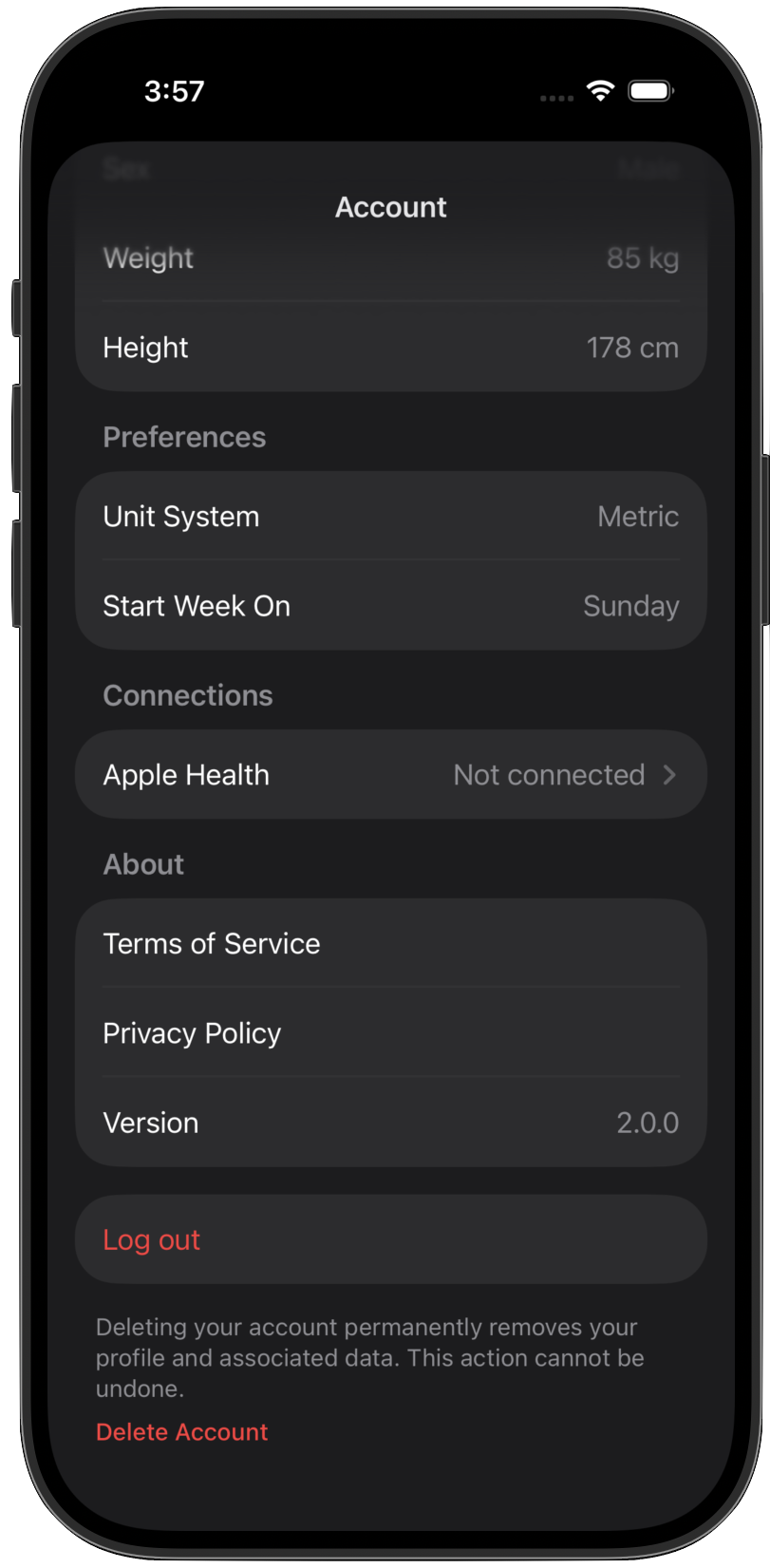
- Go to Settings.
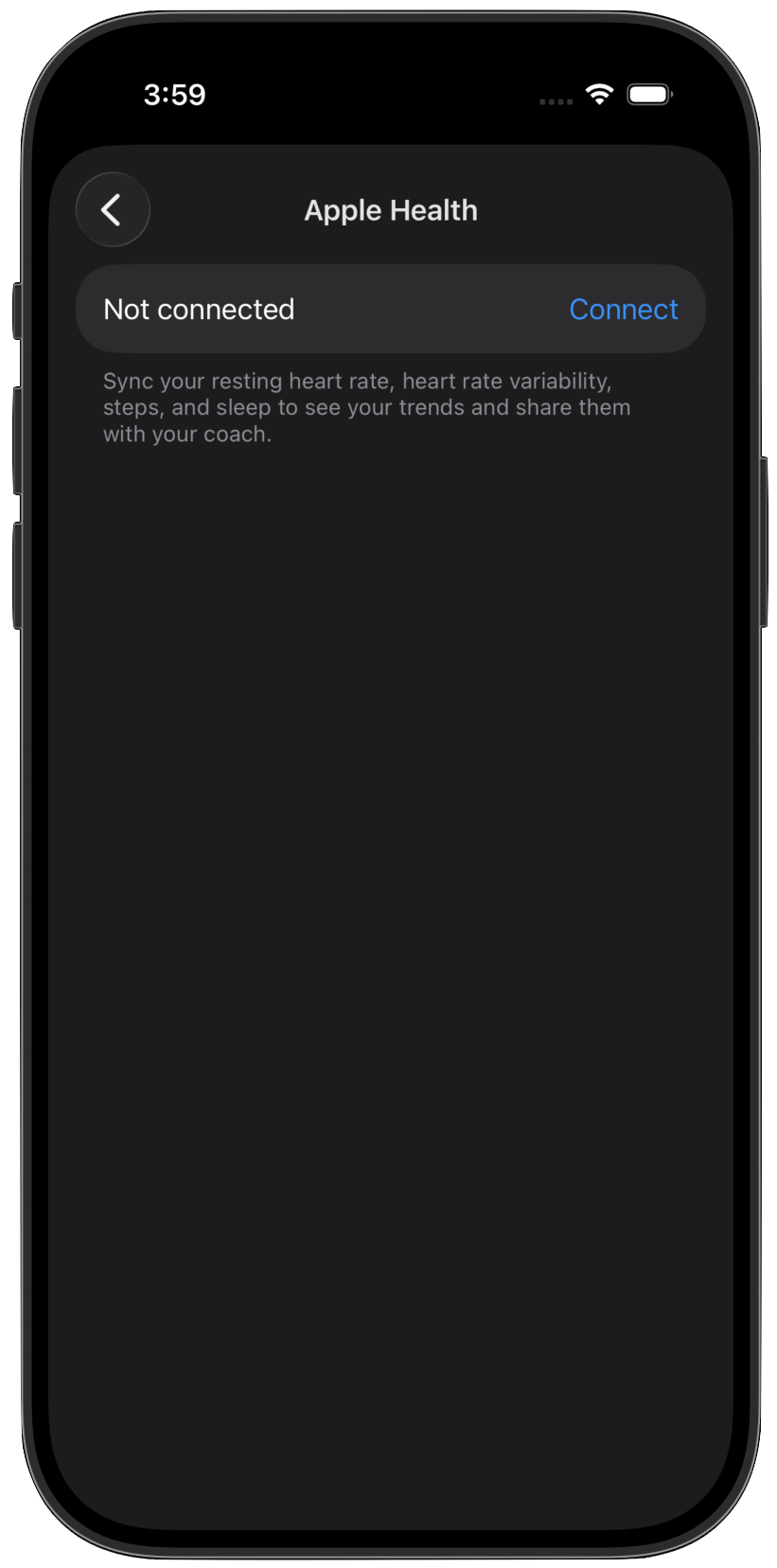
- Under Connections, tap Apple Health.
- Tap Connect and allow the requested permissions.